Configuring Blob Storage Auto Cleanup
Optimizer Hub uses your cloud provider’s blob storage as the main persistence mechanism. Artifacts persisted to blob storage are:
-
ReadyNow Orchestrator: saved profile logs.
-
Code Cache: previously performed compilations.
Optimizer Hub includes auto cleaner mechanisms to clean up unused data. You must configure cleanup for ReadyNow profile logs and Code Cache entries separately.
Code Cache Cleanup
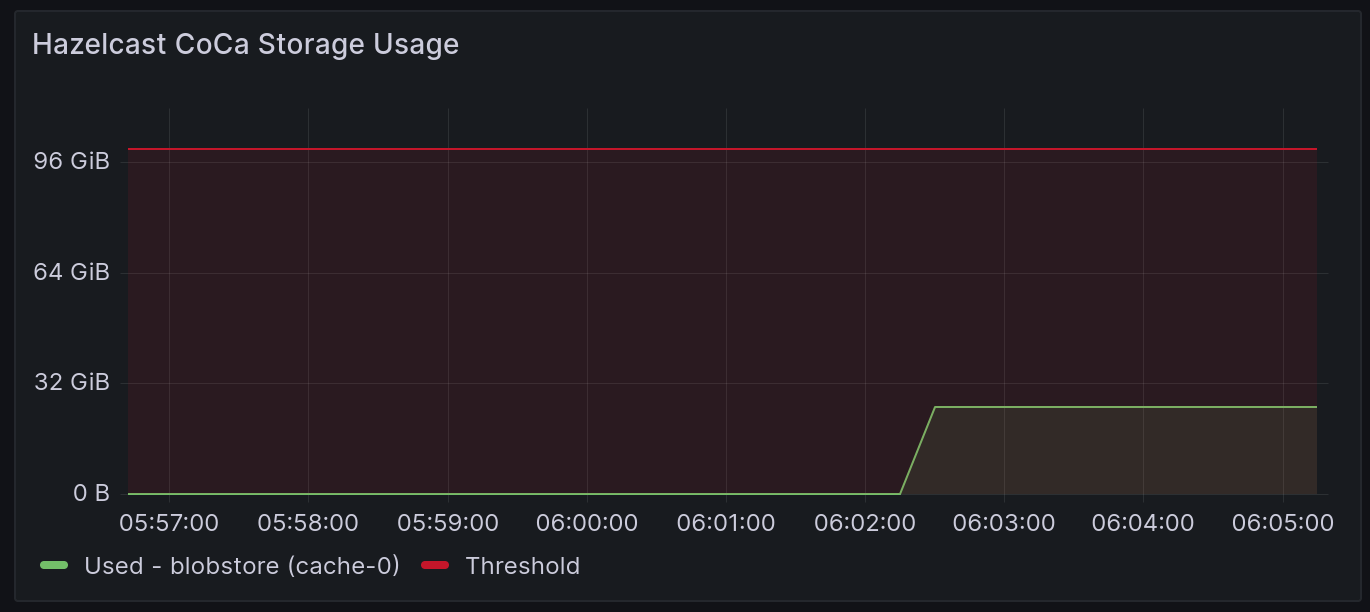
You specify the target size for the blob storage that Optimizer Hub may not exceed, as well as how often Optimizer Hub must check if cleaning is necessary.
The following are the default values, which you can modify in your values-override.yaml file:
 codeCache:
  cleaner:
    enabled: true
    targetSize: "100GiB" # Or "107374182400"
    interval: PT2H # 2 hours
Check Blob Storage Auto Cleanup Parameters for the available configuration options.
ReadyNow Profile Log Cleanup
ReadyNow Orchestrator performs automatic cleanup of unused profile logs to fit collected data in the configured storage. When the data size in your storage exceeds a threshold, ReadyNow Orchestrator deletes old profile logs, thus guaranteeing that the system makes a promoted profile log available for all profile names.
The following are the default values, which you can modify in your values-override.yaml file:
 readyNowOrchestrator:
  cleaner:
    enabled: true
    externalPersistentStorageSoftLimit: "10Gi"
    targetSize: 0 # Use only to override auto-settings
    warningSize: 0 # Use only to override auto-settings
    keepUnrequestedProfileNamesFor: 0
    keepDebugOnlyGenerationProfilesFor: "P7D"
You can configure ReadyNow Orchestrator to delete unused profile names completely after a given duration using the keepUnrequestedProfileNamesFor property in your values-override.yaml. By default, this value is 0, meaning the system does not clean up unused profiles completely. For example, to keep unused profiles for 5 days, use the following:
readyNowOrchestrator.cleaner.keepUnrequestedProfileNamesFor=P5D
|
Note
|
Depending on your usage, ReadyNow Orchestrator’s clean-up mechanism may not be able to keep the actual size of your stored profiles below the size of your storage when not enough profiles can be cleaned up. When you reach 90% usage, the gateway service prints a warning in its log. In that case, you need to increase the externalPersistentStorageSoftLimit.
|
If your storage fills up completely, JVMs attempting to write to ReadyNow Orchestrator receive an error.
How the ReadyNow Cleaner Works
By default, the ReadyNow profile log auto cleaner follows these steps:
-
For each profileName: deletes all the profiles that the system does not promote at this time. The cleaner keeps the five last-used profileLogs. It only deletes enough profileLogs to get under
targetSize.-
The cleaner never deletes the currently promoted profiles.
-
-
Deletes all debug-only profileLogs, meaning profileLogs with a generation higher than
readyNowOrchestrator.producers.maxPromotableGeneration, if applications have not accessed them longer than the period defined inkeepDebugOnlyGenerationProfilesFor.-
Can delete all of these debug profileLogs, but only deletes enough to get under
targetSize.
-
-
Deletes any completely unrequested profileNames.
-
Deletes all of them, regardless of
targetSize.
-